AI Agent Clean
The Mac cleaner built for AI development tools
Scan locally, review every item, and reclaim space from AI tool caches and everyday Mac junk — without hunting through Library folders. Use Deep Scan when you need leftovers Standard leaves behind.
Scanning stays free · macOS 14+ · Plans are selected in the Mac App Store
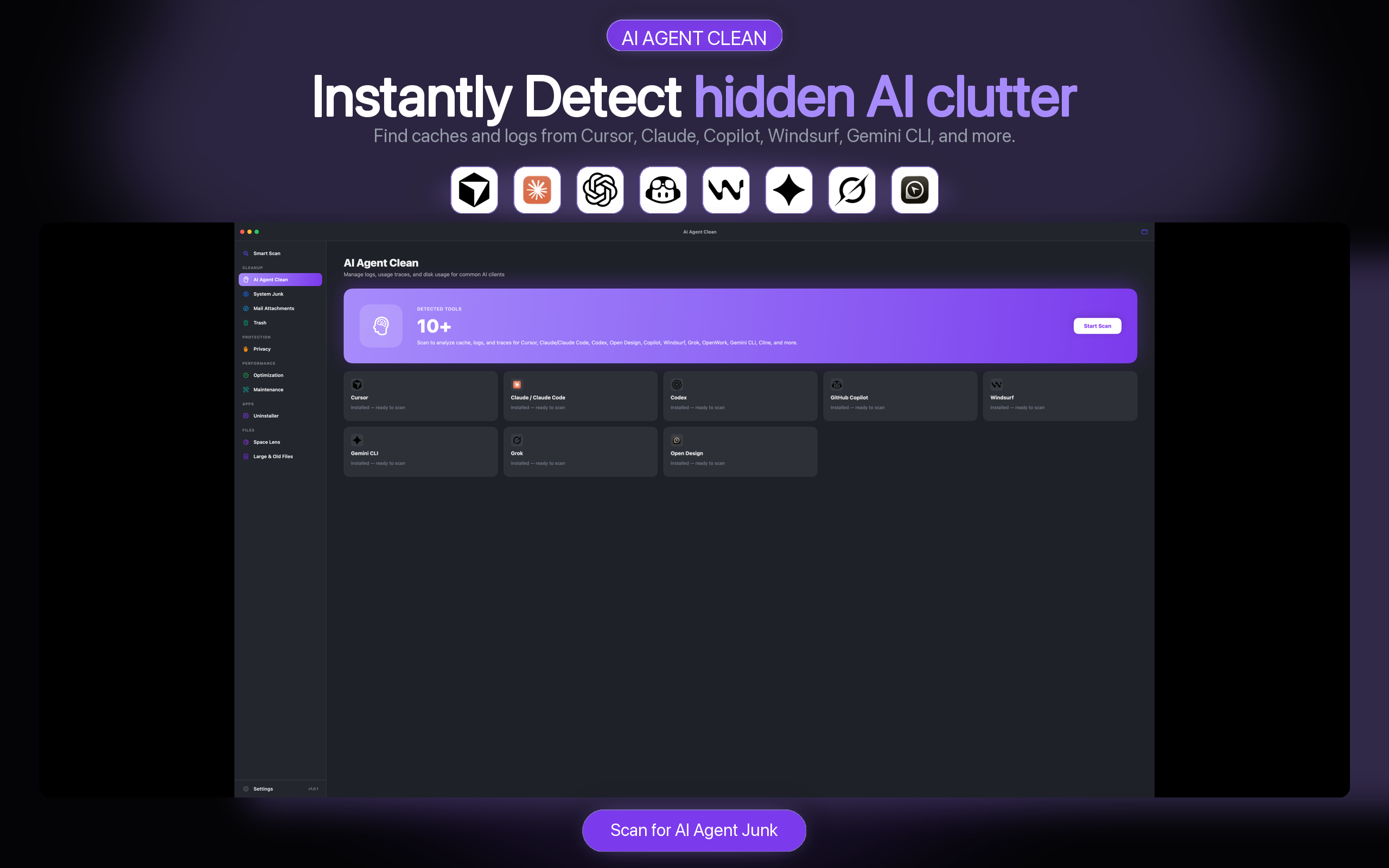
 Cursor
 Claude
 Codex
Codex
 Copilot
 Windsurf
 Grok
Grok
 OpenWork
 OpenCode
 Gemini CLI
 Cline
Cline
AI Agent Clean analyses supported locations locally without uploading files or full paths.
Keep any item by unchecking it before the cleanup begins.
Selected files go to Trash instead of being erased immediately.
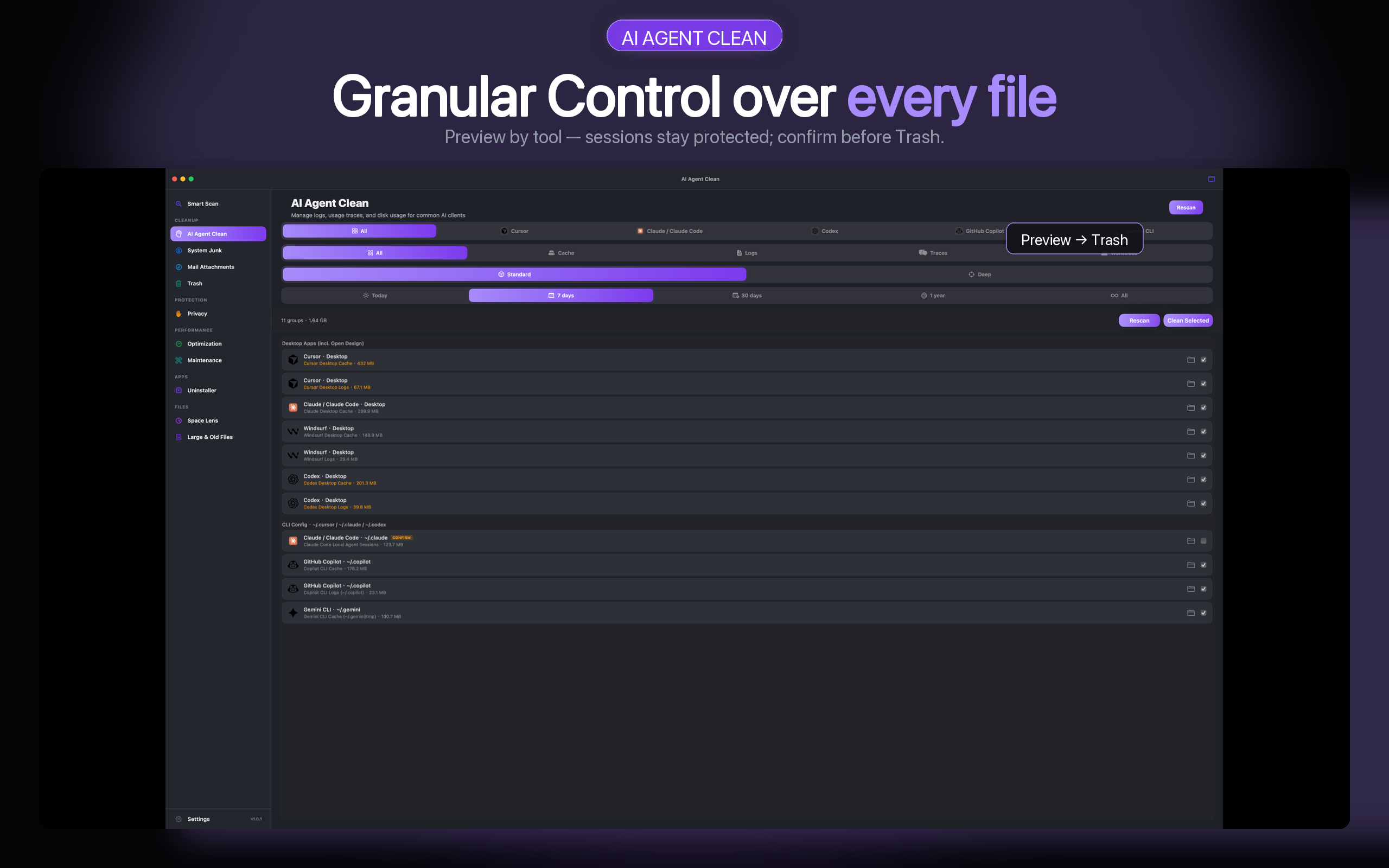
See every AI cache before it moves.
Why general Mac cleaners miss AI tool caches: they do not group the changing Library locations used by AI tools. AI Agent Clean organises Cursor, Claude, Codex, Copilot, Windsurf, Grok, OpenWork, and more by tool and data type, so you can choose exactly what to clean. What’s New in 1.0.5 — Deep Scan.
- Standard Scan for everyday caches; Deep Scan for leftovers Standard misses
- Filter by tool, data type, depth, and age
- Keep any item by leaving it unchecked
- Move selected files to Trash by default
Explore the dedicated AI cache cleaner
Mac cleaner / Smart Scan · CleanMyMac alternative · Clear Cursor cache · Claude Desktop · Codex logs · Pricing
Scan. Review. Clean.
One focused workflow, with control at every step.
-
Scan locally
Detect supported AI tools and calculate cache sizes on your Mac. Choose Standard for everyday caches, or Deep Scan for leftovers.
-
Review every item
Inspect app groups, categories, and sizes before selecting what goes.
-
Move to Trash
Reclaim the selected space while keeping a recoverable path.
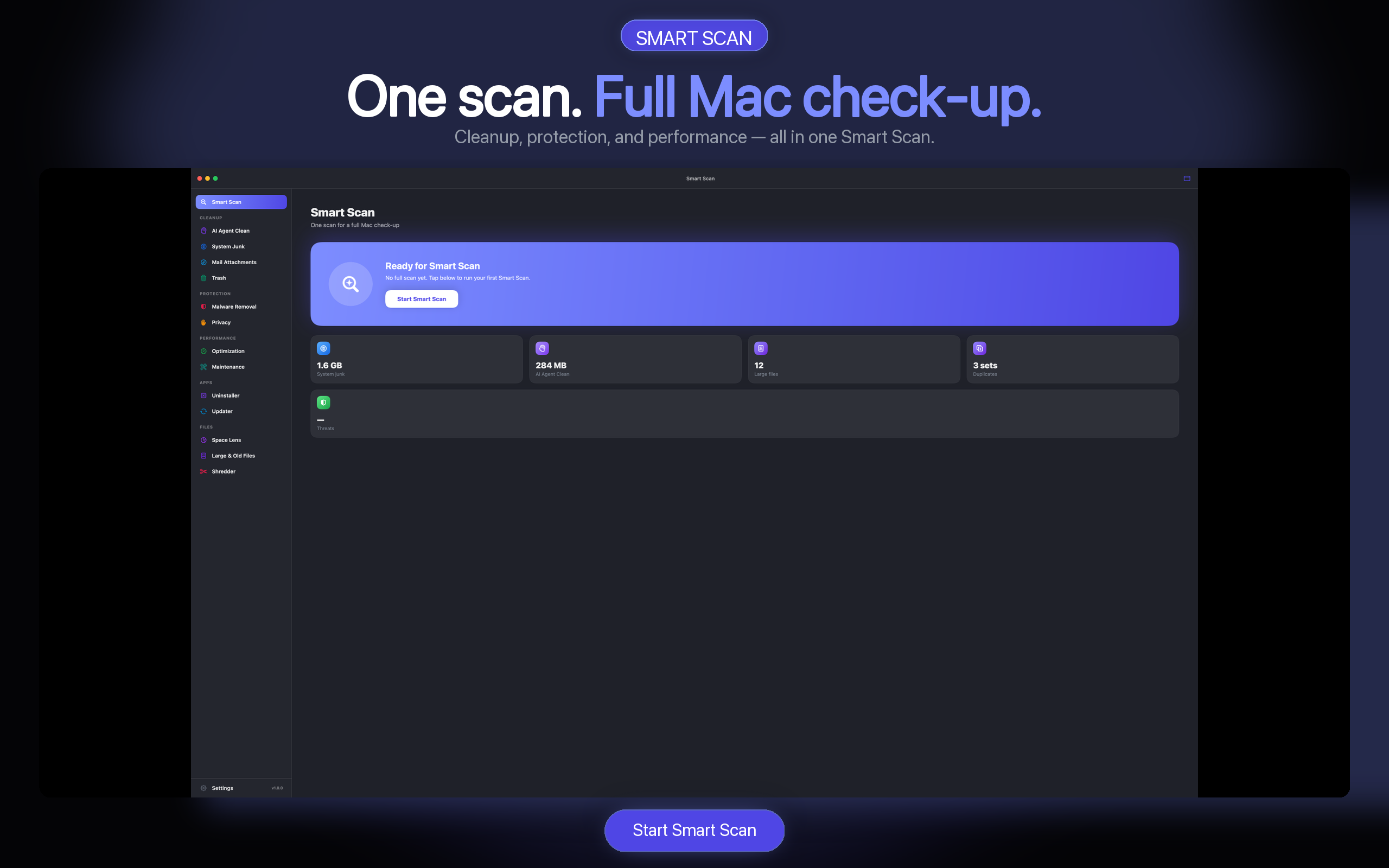
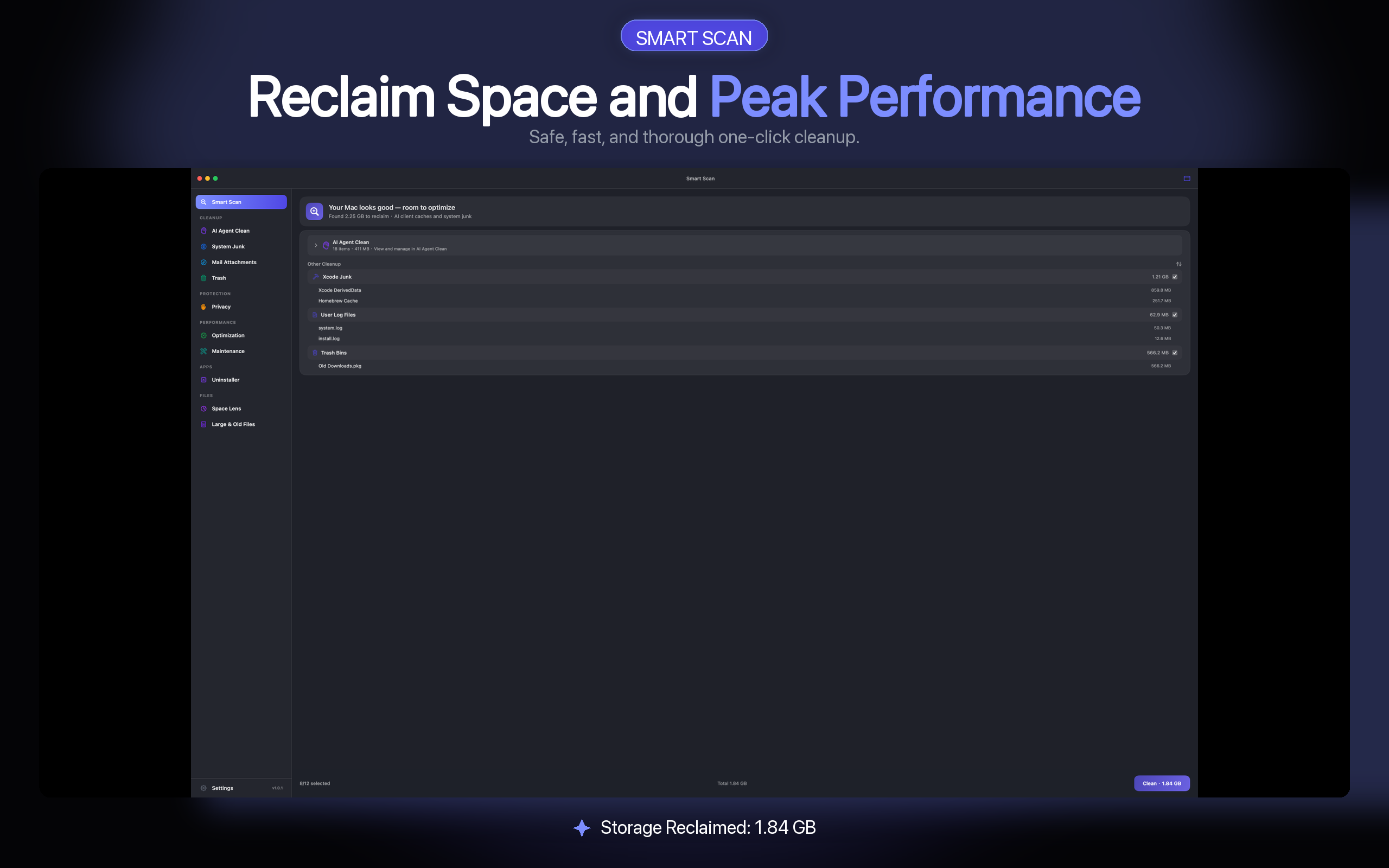
Keep an eye on your Mac after the cleanup.
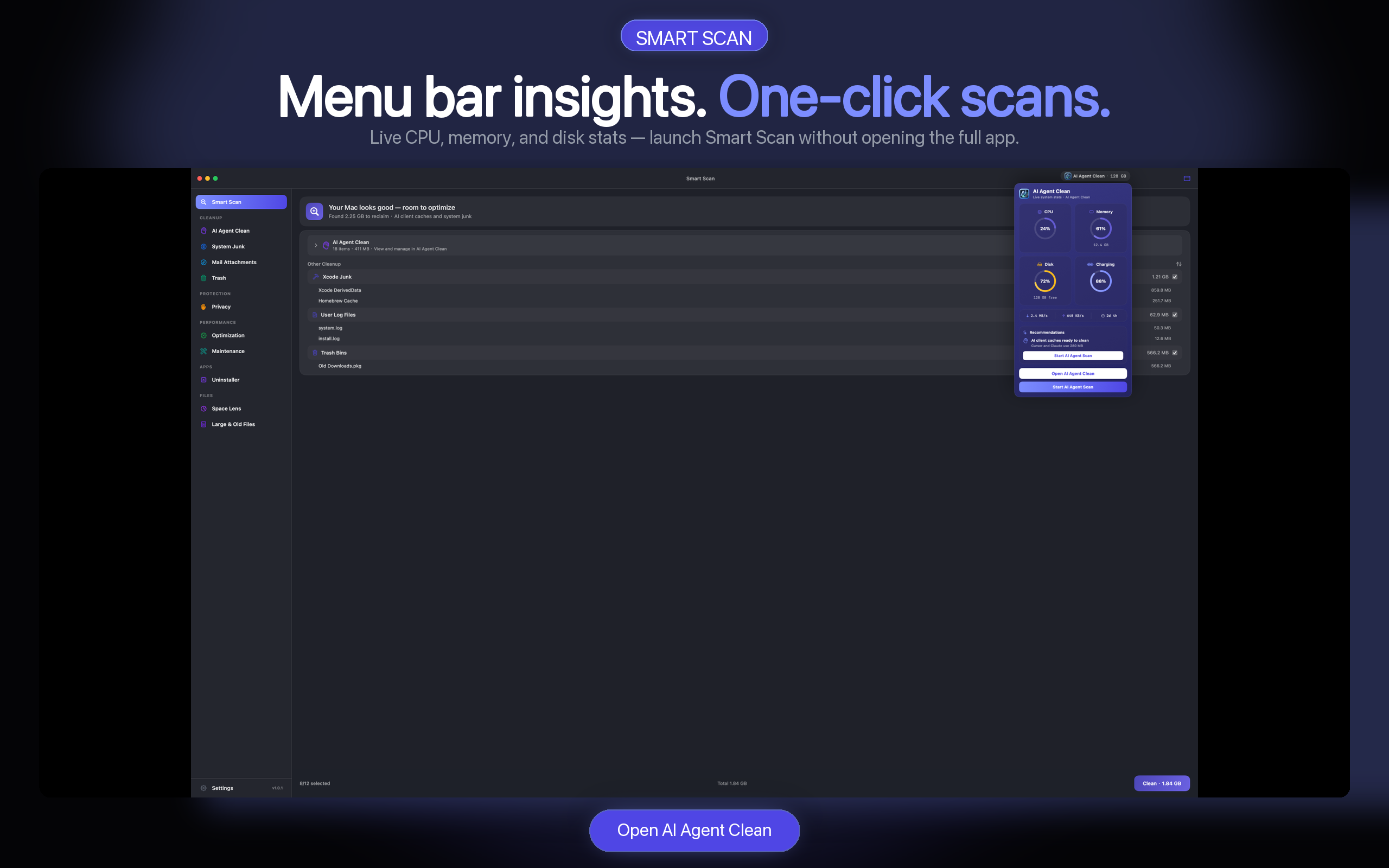
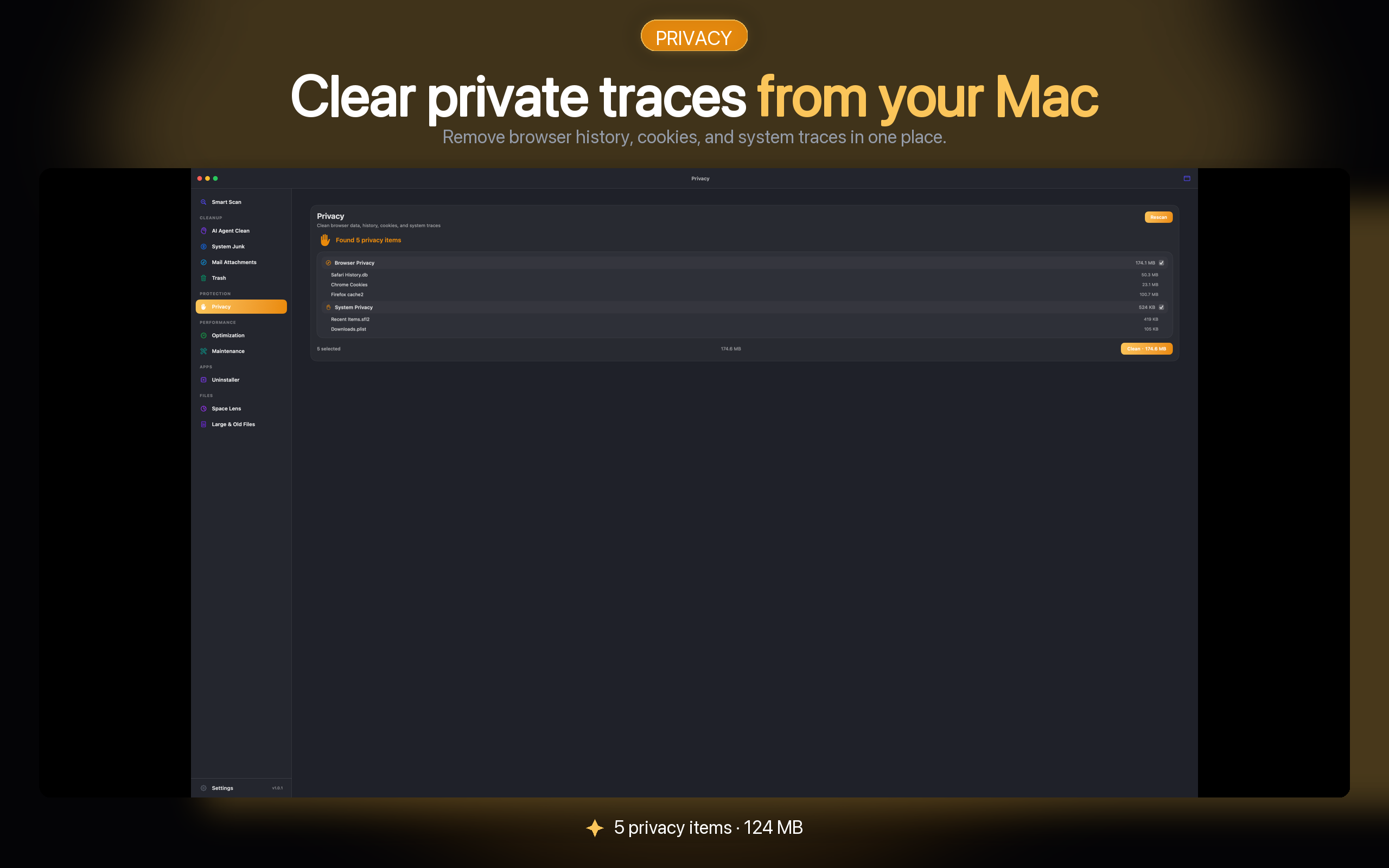
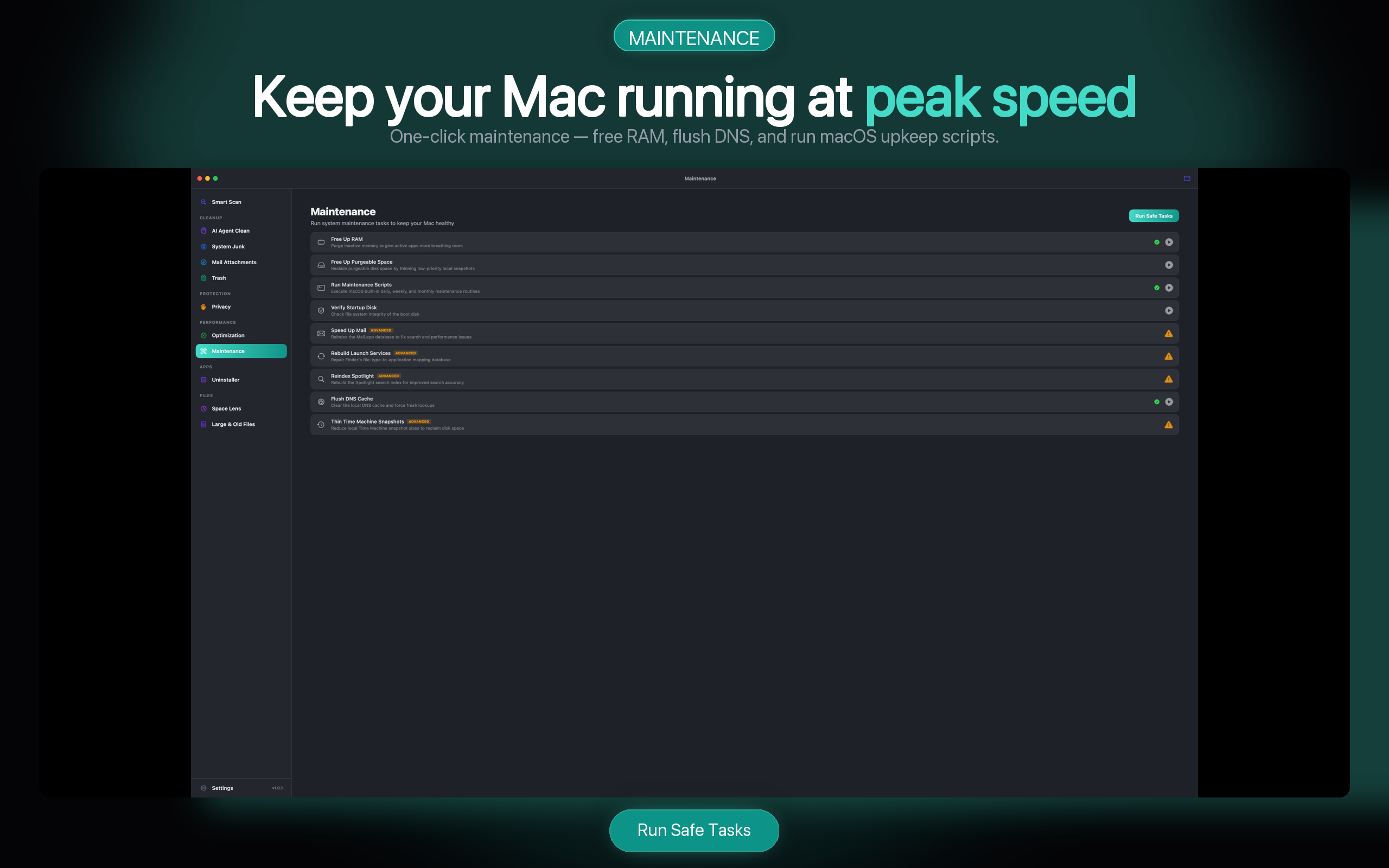
AI cache cleaning stays central. Menu bar insights, protection, and maintenance are included when you need a wider check-up.
Scan free. Pay when you are ready to clean.
Monthly and yearly subscriptions include a 7-day App Store trial. Lifetime is a one-time purchase. The Mac App Store handles payment and cancellation.
Flexible, auto-renewable
Save 44% vs 12 monthly payments
One-time purchase
USD reference prices shown. The Mac App Store displays final regional pricing. Read the pricing FAQ
Safety is part of the workflow
Manual cleanup remains documented for users who want to verify each location themselves.
Will cleaning AI caches delete my projects?
No. AI Agent Clean targets supported cache, log, and temporary-data locations—not your source repositories. Always review the result list before cleaning.
Does the scan upload files or paths?
No. Scanning and size calculation run locally. File contents and full local paths are not sent to analytics.
Can I restore a removed item?
Selected files move to Trash by default, so they remain recoverable until you empty Trash.
Which AI tools are supported?
Cursor, Claude/Claude Code, Codex, Open Design, GitHub Copilot, Windsurf, Grok, OpenWork, OpenCode, Gemini CLI, Cline, and more. See What’s New in 1.0.5.
What is Deep Scan?
Standard Scan covers everyday regenerable caches. Deep Scan is a confirmed extra pass for leftovers Standard leaves behind — Claude ephemeral folders, Codex worktrees, Cursor CLI/server caches, and older tool paths. Credentials and normal sessions stay protected and are not auto-selected. Read the 1.0.4 notes.
Which macOS versions are supported?
AI Agent Clean supports macOS 14 and later.
How do I clear Cursor cache manually?
See the step-by-step guide: Clear Cursor cache on Mac. AI Agent Clean groups the same regenerable folders with size previews.
Find the space your AI tools are using.
Start a 7-day App Store trial with a monthly or yearly subscription. Scanning remains free without a subscription.