Mac cleaner for developers and AI tools
AI Agent Clean runs a single Smart Scan across 14 modules — system junk, caches, logs, browser data, maintenance tasks, and dedicated AI Agent Clean for Cursor, Claude, Copilot, Windsurf, Gemini CLI, and more. Every item is listed with size so you decide what leaves your Mac.
Last updated: 2026-07-26 · macOS 14+
View on the Mac App StoreWhy Macs slow down over time
macOS accumulates temporary files, stale caches, and orphaned downloads. Launch Services databases grow, Xcode and browser caches balloon, and AI coding tools add indexes under ~/Library. Manual Finder cleanup is slow and easy to get wrong — delete the wrong folder and an app may need to rebuild hours of data.
Generic “free up space” tips rarely show what is safe to remove. You need a scan that groups results by type and lets you preview before anything is deleted. Reclaimable size varies by machine — measure on your Mac instead of trusting a marketing GB figure.
Smart Scan — one pass, full picture
Smart Scan combines cleanup, protection, and performance checks in one workflow. Live progress shows which module is running; results arrive grouped by category with total reclaimable size at the top.
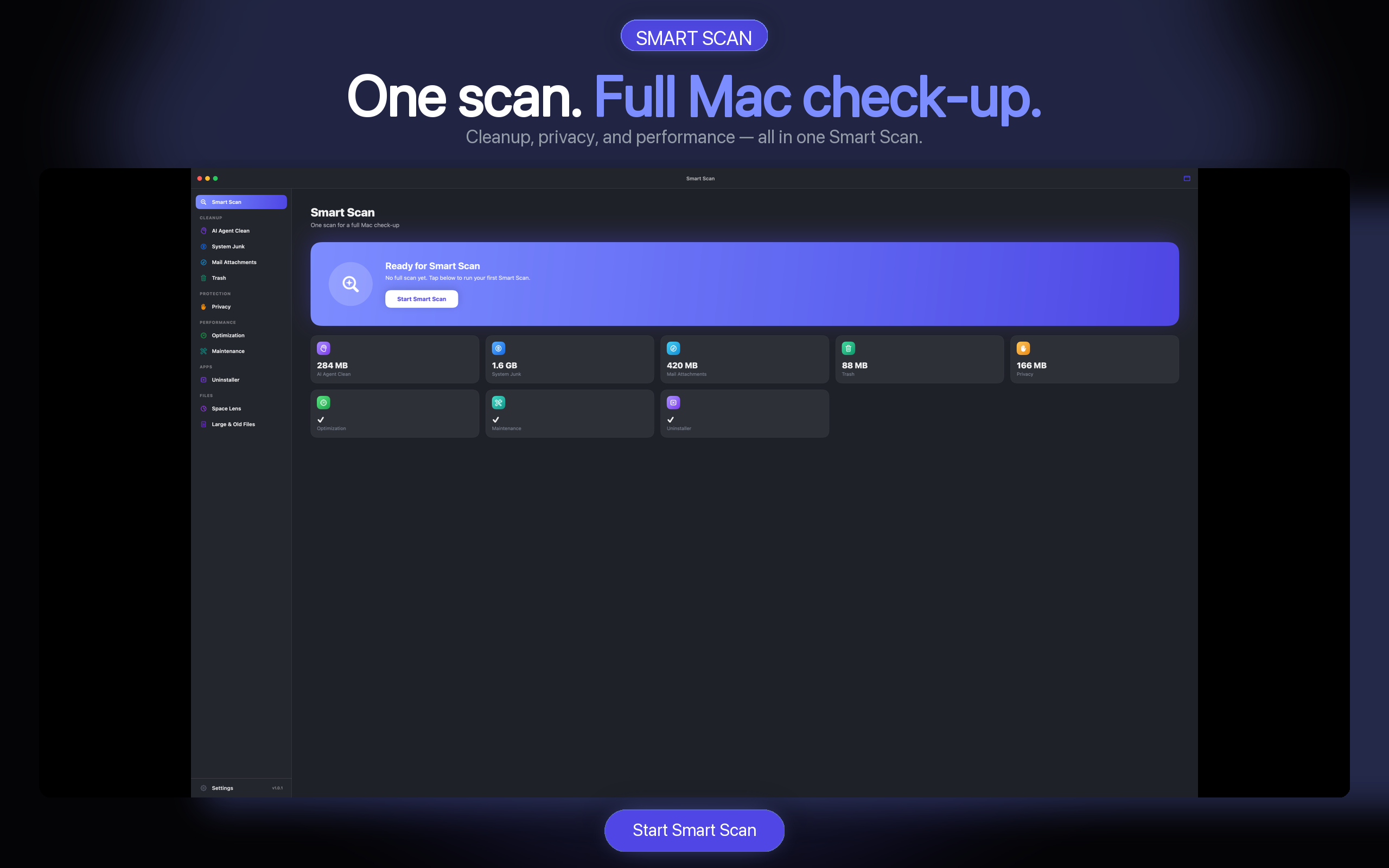
- 14 modules — junk, caches, logs, mail attachments, AI tool cleanup, and more.
- Preview first — expand groups, uncheck what you want to keep.
- Batch control — cancel long jobs anytime; nothing is silent-deleted.
- Scanning free — see what you can reclaim before subscribing.
Where AI Agent Clean fits inside Smart Scan
Everyday Mac maintenance and AI-tool cleanup are related but not identical. Smart Scan is the hub: it can run the full module set. The dedicated AI Agent Cleaner module focuses on Cursor, Claude, Copilot, Windsurf, Gemini CLI, and other AI tool caches under standard Library and home paths. Use Deep Scan when you need leftovers Standard misses. See What’s New in 1.0.5.
If you only care about AI caches, open that module directly. If System Data or general junk is the problem, start with Smart Scan, then drill into AI groups when they appear. Step-by-step manuals:
Safe by design
- Trash first — deleted files go to Trash, not permanent erase.
- Protected paths — system-critical locations are blocked from removal.
- Local processing — scans run on your Mac; file contents are not uploaded.
- Media libraries skipped — routine scans avoid ~/Music and ~/Pictures by default.
More context: Is Mac cleaner software safe? · Comparing suites: CleanMyMac alternative.
Mac cleaner FAQ
Is AI Agent Clean the best cleaner for Mac?
“Best” depends on your workflow. AI Agent Clean focuses on transparent Smart Scan with preview, AI development-tool cleanup, and Space Lens treemaps. Scanning stays free so you can evaluate results before paying.
Does Smart Scan delete files automatically?
No. Smart Scan lists candidates; you review and confirm. Selected items move to Trash by default.
Which macOS versions are supported?
macOS 14 (Sonoma) and later. The Mac App Store build targets current Apple requirements.
How is this different from Storage Management in System Settings?
Apple’s tools show high-level categories. AI Agent Clean drills into ~/Library caches, app leftovers, and maintenance tasks with per-item preview — plus a dedicated AI Agent Clean module for Cursor, Claude, Copilot, Windsurf, and more.
How much space will I recover?
It varies by Mac and workload. Measure reclaimable size in Smart Scan on your own machine. We do not publish generic GB-saved claims.
Plans and trial details: Pricing. To investigate storage before cleaning, open the Disk Space Analyzer; to remove applications and their leftovers, use the Mac App Uninstaller.
View plans on the Mac App Store
Scan free. Check trial eligibility, available offers, and current terms in the Mac App Store.