See where your Mac storage actually goes
Space Lens is a squarified treemap disk analyzer. Each rectangle is a folder or file sized by bytes — click to drill down, spot multi-gigabyte surprises, and jump to cleanup modules when you are ready to act.
View on the Mac App Store“System Data” is not enough detail
macOS Storage settings show broad categories — Applications, Documents, System Data — but rarely explain which subfolder consumed 40 GB. Developers especially accumulate Docker images, Xcode derived data, node_modules trees, and AI tool caches that hide deep in ~/Library.
Terminal commands like du work but are slow to interpret. You need a visual map that updates as you navigate and respects your privacy.
For a step-by-step workflow, see how to find disk usage on Mac. If Apple’s storage view is the problem, use the System Data troubleshooting guide.
Space Lens treemap
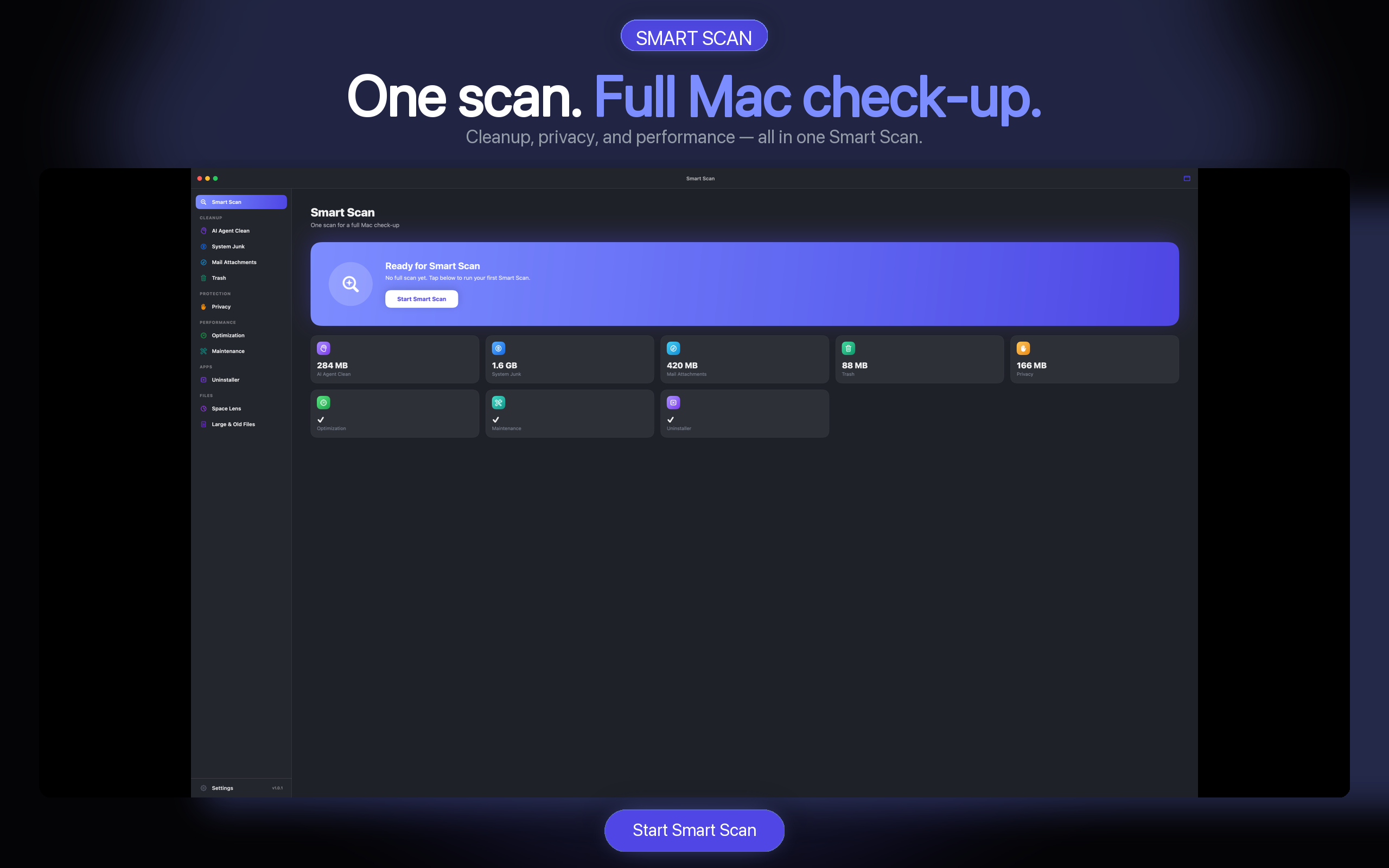
Pick a volume or home folder, and Space Lens builds an interactive treemap. Larger blocks mean larger files or folders. Hover for exact sizes; click to descend into subdirectories. When you find junk, hand off to Smart Scan or AI Agent Clean.
- Squarified layout — readable blocks, not thin slivers.
- Drill-down navigation — breadcrumb path as you explore.
- Large file highlights — spot outliers instantly.
- Local analysis — sizes computed on your Mac only.
Privacy while analyzing
- No cloud indexing — folder sizes never leave your device.
- Read-only scan — Space Lens maps usage; deletion is a separate step.
- Skip sensitive paths — optional exclusions for work directories.
- Trash-first cleanup — when you delete from linked modules, files go to Trash.
Disk analyzer FAQ
How is Space Lens different from DaisyDisk or GrandPerspective?
All use treemap-style visualization. Space Lens is integrated with AI Agent Clean’s Smart Scan and AI Agent Clean — find a large cache in the map, then clean it in one app.
Does Space Lens work on external drives?
Yes. Select any mounted volume the app has permission to read. Full Disk Access may be required for some system locations — see Help for permission steps.
Can I delete files directly from the treemap?
Space Lens focuses on discovery. Deletion flows through cleanup modules with preview and Trash-first defaults for safety.
Will scanning slow down my Mac?
Initial scans read metadata (sizes, not contents). Large drives may take a minute; scans run at lower priority to reduce impact.
View plans on the Mac App Store
Scan free. Check trial eligibility, available offers, and current terms in the Mac App Store.