What’s New in 1.0.4
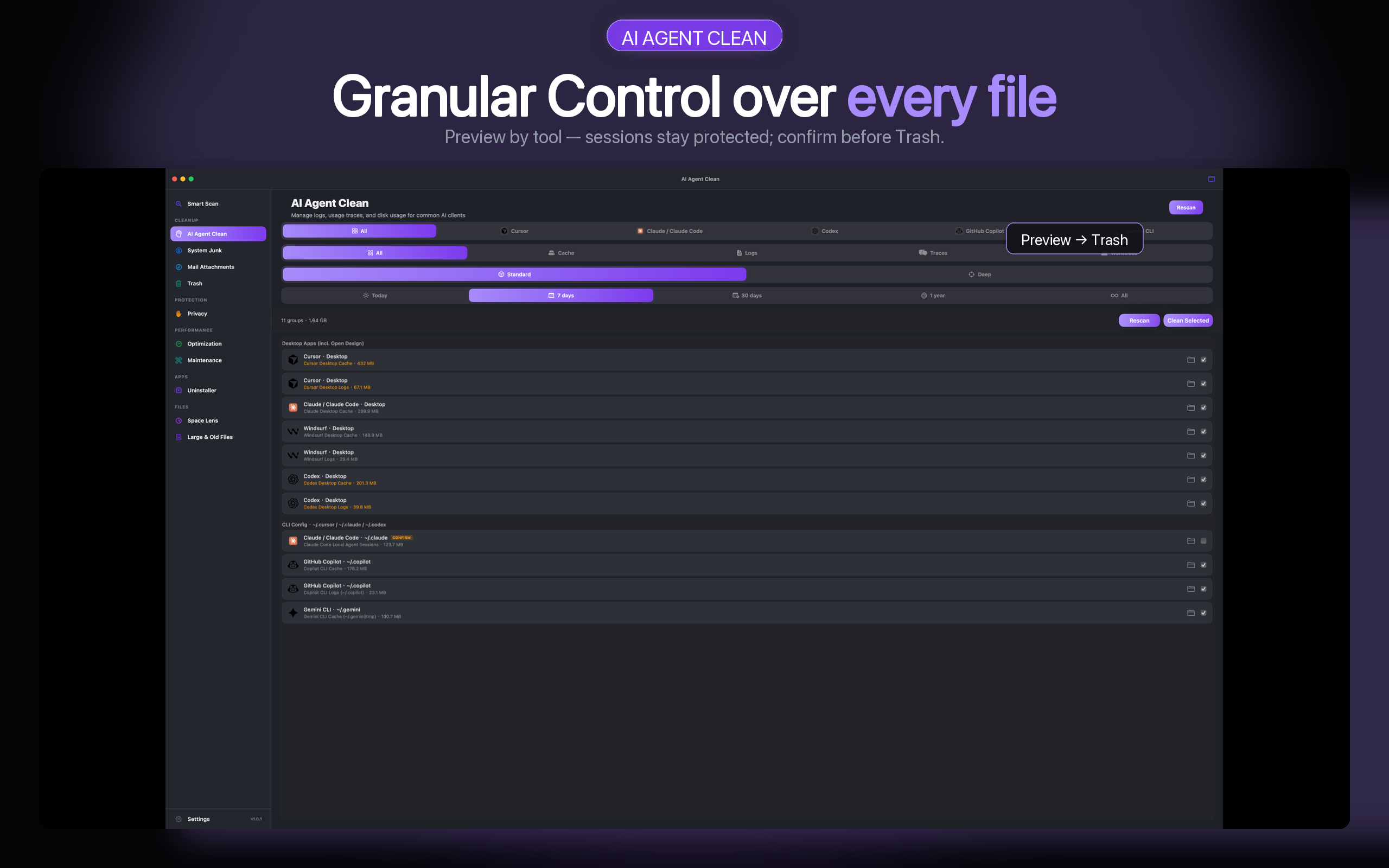
Deep Scan finds leftover AI caches that Standard leaves behind — then you preview every group before anything moves to Trash.
Released: 2026-08-15 · Version 1.0.4 (build 116) · macOS 14+
Deep Scan
Standard Scan is the everyday pass: regenerable caches and logs, grouped by tool, with sessions and credentials protected. Deep Scan is an extra, confirmed pass for leftovers that sit outside those everyday folders.
- Claude unnamed sessions, sidecars, and ephemeral directories
- Codex
~/.codex/worktreesworkspaces and build leftovers - Cursor
~/.cursor-serverplus additional CLI and desktop caches - Legacy and current leftovers for Open Design, OpenWork, Copilot, Grok, and more
- Credentials, settings, MCP, skills, and normal session records stay protected and are not auto-selected
Session-like deletions are usually irreversible. Quit related apps before cleaning when you can. Selected files still move to Trash first. Cache size varies by machine — measure on your Mac; we do not publish generic “GB saved” claims.
Safer scans
- Cancel Smart Scan, System Junk, large files, duplicates, and more at any time — the spinner stops so you can scan again immediately
- Without Full Disk Access, Mail, Privacy, System Junk, Smart Scan, and AI Clean ask for access instead of showing a false “all clean”
Stability
- Huge result lists stay responsive
- Very large Downloads folders and duplicate scans no longer run unbounded
- The app still launches if the local cache database cannot be written
Earlier notes
Tool coverage added in 1.0.1 (Copilot, Windsurf, Gemini CLI, and more) is unchanged. 1.0.4 is about going deeper on leftovers — safely.
How-to guides
Start 7-day free trial on the Mac App Store
Scan free. Start a 7-day full-feature trial on the Mac App Store.